Backing up your most important files seems to be far easier on a Mac. The supplied backup program enables you to choose certain applications to backup, choose a destination, schedule the backup and then this procedure is carried out routinely, without intervention.
On a PC, it seems far more cumbersome, probably because there are so many different Windows applications, it’s not just as easy as wanting to backup your Windows Mail and then leaving it to backup in the background.
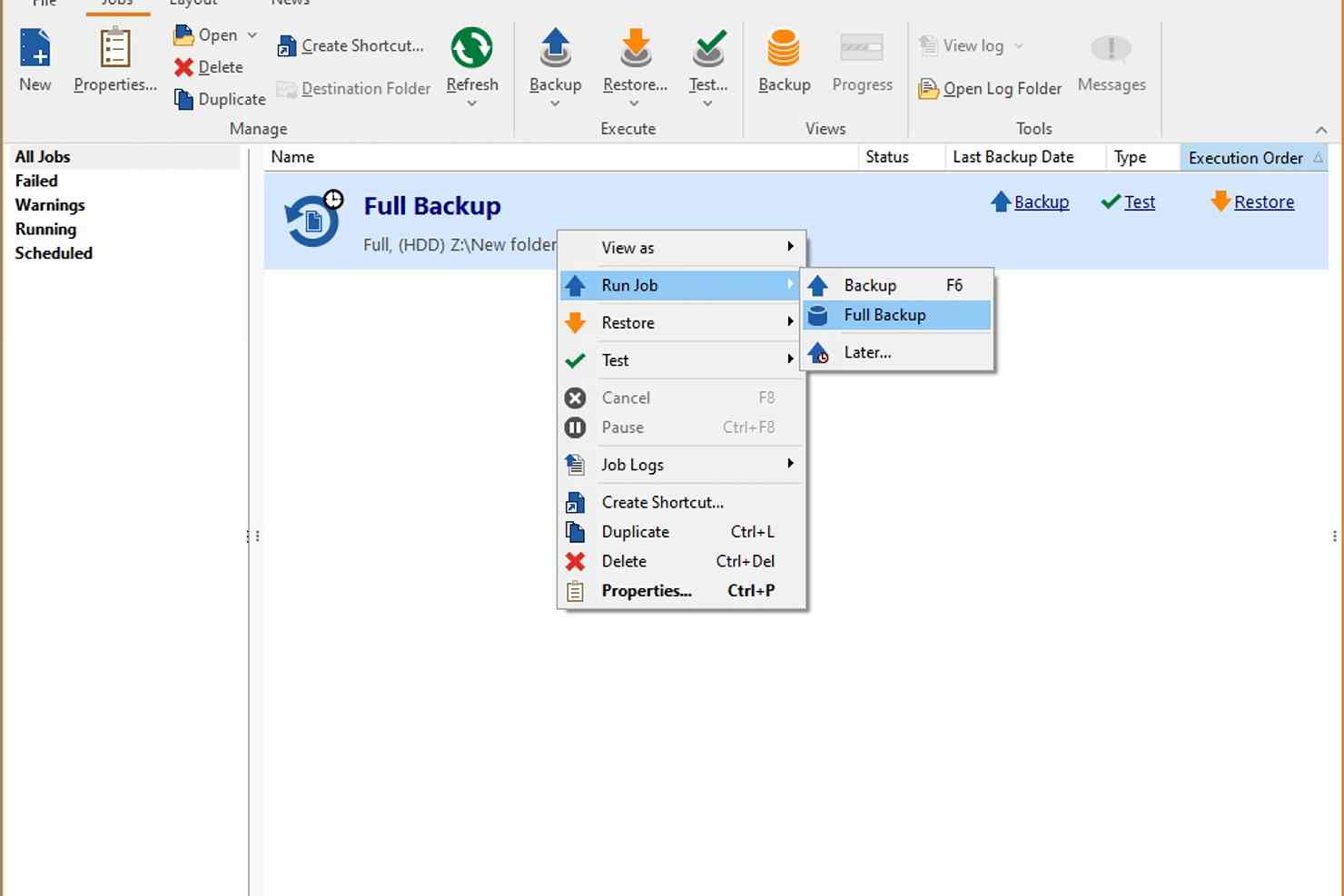
FBackup is a simple free backup tool that attempts to make backup easy on the Windows platform. You simply select the type of files and applications you want to backup, your destination and then let it proceed. For example, you can quickly select ‘My Documents’, ‘My Pictures’ and ‘My Email’. If you then suffer from a system crash in the future, you simply select the same components and restore. Of course, you don’t have to wait for a system crash. If you move computers, restoring data to the new computer is an ideal way of moving files between the two machines.
You can create a compressed backup (ie. files within a ZIP), schedule a backup, choose to backup to multiple locations and much more.
The only thing you can do is backup to a remote server. This is a shame as many of us have spare online server space as part of our homepage or broadband account. It would have been good to backup online and then quickly select this content when we need to restore in the future.
Verdict:
Keeps your essential files backed up, but only supports local backup destinations
(4)
Backup & Recovery
Specifications
Requirements
Changelog
Version 9.9.1044 brings these changes (see entire changelog for more info):
Updated: Japanese translation for the user interface
Fixed: Error when OAuth token expires during backup
Deal of the Day
-62%
Genie Timeline Home 10
Offer Ends In: