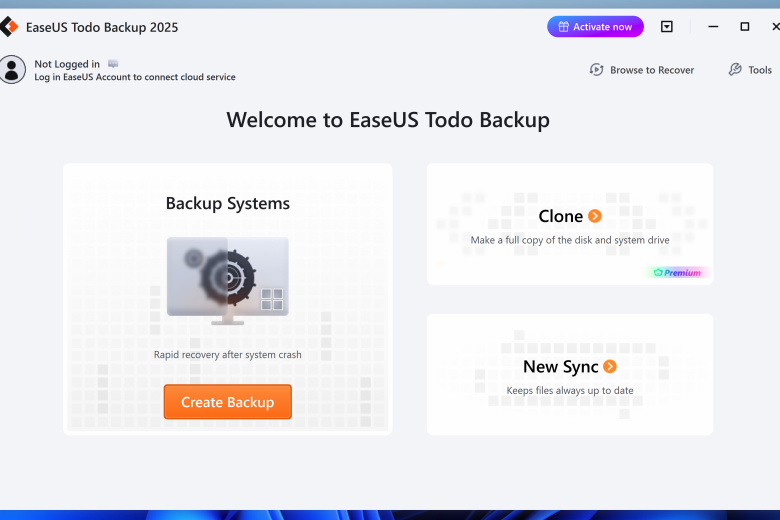
Microsoft’s recently updated backup tool for Windows 11 falls a long way short of what’s needed to protect your precious files (never mind system) from potential disaster. It leaves a huge gap for third-party backup tools, and one of the longest established options comes courtesy of EaseUS. Ideally you need…
-
-
Time Machine is all well and good, but it can sometimes feel like overkill when it comes to safeguarding your Mac’s data. EaseUS’s Todo Backup For Mac aims to offer a simpler, more granular approach. Todo Backup offers four major options: first, a straightforward backup tool covering your files and…
-
Head abroad for a long holiday and you many take a handful of digital memory cards for your digital camera and, perhaps your laptop. Problem is, when various members of of your family are taking photos and then moving them to the computer, it’s too easy to delete the files…
-
Synchronizing files between locations makes it easy to not only back up valuable data, but also to easily make it available in more than one place. You may find, for instance, that you are constantly moving between two or more computers in the workplace, and a sync tool such as…
-
MOBackup makes it quick and easy to take backups of your Outlook email, notes, contacts, calendars and more. It works with Outlook 2000, XP, 2003, 2007, 2010 and 2024 (but not Outlook Express). Of course you could use Outlook’s own tools to back up some of your data, but MOBackup’s…
-
SyncBackFree is the free and more limited version of the powerful file backup and synchronisation tool which can be used with hard drives, removable media, network shares, FTP servers and more. The program enables you to set up backup or synchronization profiles. A backup profile essentially copies the source folders and their…
-
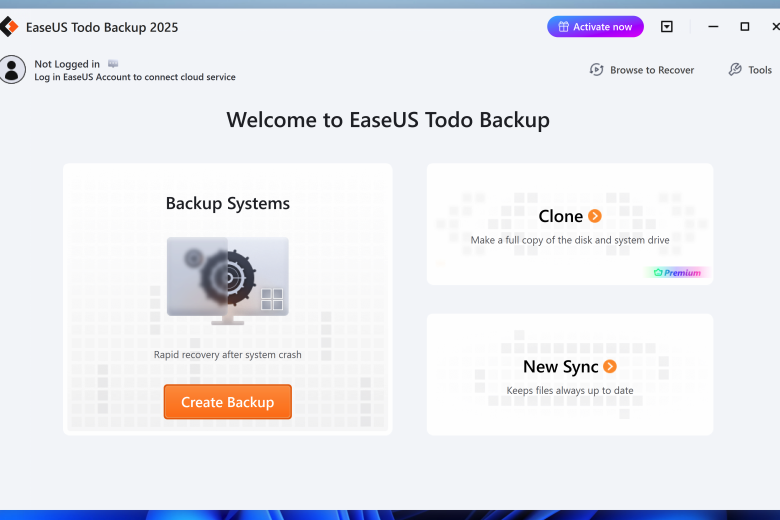
Microsoft’s recently updated backup tool for Windows 11 falls a long way short of what’s needed to protect your precious files (never mind system) from potential disaster. It leaves a huge gap for third-party backup tools, and one of the longest established options comes courtesy of EaseUS. Ideally you need…
-
Acronis True Image combines comprehensive backup with anti-malware protection in a single product. The Essentials version provides protection against ransomware only, the Advanced version reviewed here adds full antivirus protection (beware conflicts with existing antivirus software, although Acronis will alert you if this is the case). The main reason for…
-
Backing up your data is essential. With the rise of Ransomware and similar tools which can encrypt your data, unless you’re prepared to pay the ransom, your files are lost forever. Backup your system partition, along with your most important files and the easiest way around a Ransomware situation is…
-
Handy Backup Free is a cut-down and rather old version of the commercial Handy Backup tools, which is still capable of running basic backups. Create a backup job, for instance, and you’re able to add selected files and folders. There’s support for running full or incremental backups. Your data can…